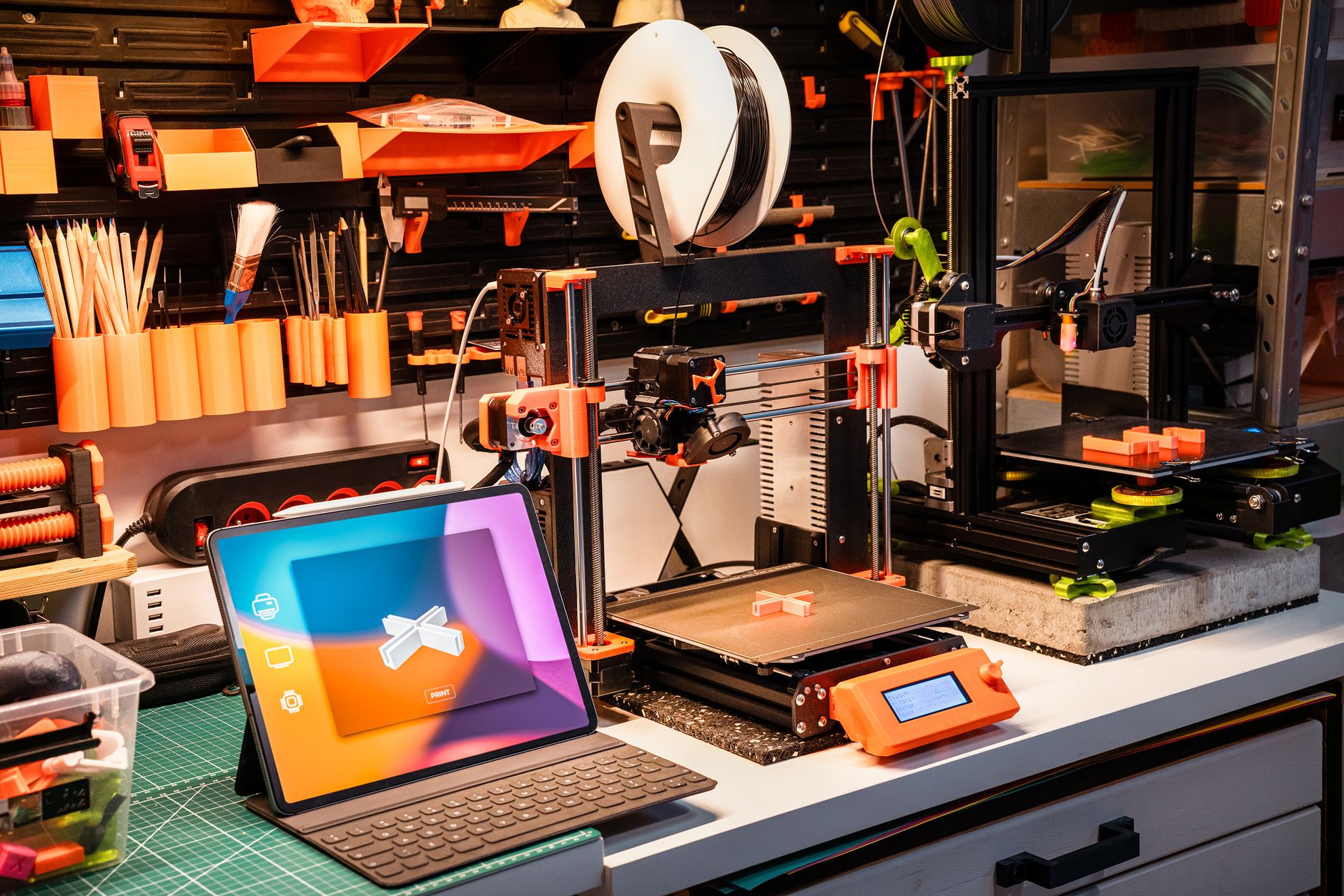
MakerWorld arrived in 2023 as Bambu Lab’s own model library, and it grew faster than any hobby platform before it. The pitch was simple. Every model page carries a print profile tuned for a specific Bambu machine, so a file opens in Bambu Studio with nozzle temperature, layer height, and speed already chosen. That one-tap workflow is why so many A1 and P1S owners stopped browsing anywhere else. Bambu Lab keeps the platform tied closely to its hardware, which you can see on its official site. Downloads are free, and the points system lets active users earn filament and gift cards. Whether that makes it the right home for your printing habit depends on which printer sits on your bench.
The rest of the field still matters. Printables, run by Prusa Research, hosts a smaller but better-curated catalog with monthly contests. Thingiverse holds the oldest and largest archive of free models, much of it uploaded before modern fast printers existed. Cults3D and MyMiniFactory lean toward paid designs, while Thangs bets on search that matches shapes instead of file names. Picking one is not about brand loyalty, since all of them are free to browse. It is about which one gets a working file onto your build plate on the first try. Our roundup of the best sites for free STL files covers the wider list if you want more options than the six below.
I compared these platforms on nine things: search quality, licensing clarity, print profile accuracy, download limits, reward programs, mobile browsing, spam control, paid options, and how cleanly files open in a slicer. Every free model is only as good as your settings, so I also checked how well each platform’s bundled profiles match modern hardware. A file sliced at 0.20mm with a 220C nozzle and a 60C bed will print fine on most machines. A stale profile built for a 2015 printer running at 40mm/s will waste an evening. Good slicer defaults matter more than page design, which is why we keep a separate guide to the best 3D slicer software.
Hardware changed the stakes. Bambu Lab’s A1 has a 256 x 256 x 256mm build volume and claims up to 500mm/s, with stock layer heights from 0.08mm to 0.28mm. Prusa’s MK4S offers 250 x 210 x 220mm and a slower, more deliberate print style. Those numbers decide which models are worth downloading at all. A 300mm tall cosplay helmet will not fit on an A1 mini, and a fine miniature printed at 0.28mm looks like a lump of clay. Material choice matters too, and our PLA vs PETG vs ABS breakdown explains why PLA prints at 190C to 220C while PETG wants 220C to 250C and a warmer bed.
How Do the Top Options Compare?
| Platform | Best For | Free Models | Paid Options | Rewards |
|---|---|---|---|---|
| MakerWorld | Bambu Lab owners | Large and growing fast | None | Points for filament and gift cards |
| Printables | Curation and contests | Medium, well documented | None | Prusameters for filament and store credit |
| Thingiverse | Legacy archive and remixes | Largest archive anywhere | None | None |
| Cults3D | Paid miniatures and cosplay | Small free section | Designer-set prices | None |
| Thangs | Search and shape matching | Indexes other platforms | Membership tiers | Creator revenue pool |
| MyMiniFactory | Print-tested tabletop files | Limited free library | Store and Tribes subscriptions | None |
Model counts and reward terms change often, so treat this table as a starting point rather than a fixed ranking. No prices are listed because store pricing shifts with sales, currency, and region.
1. MakerWorld , Best for Bambu Lab owners and reward hunters
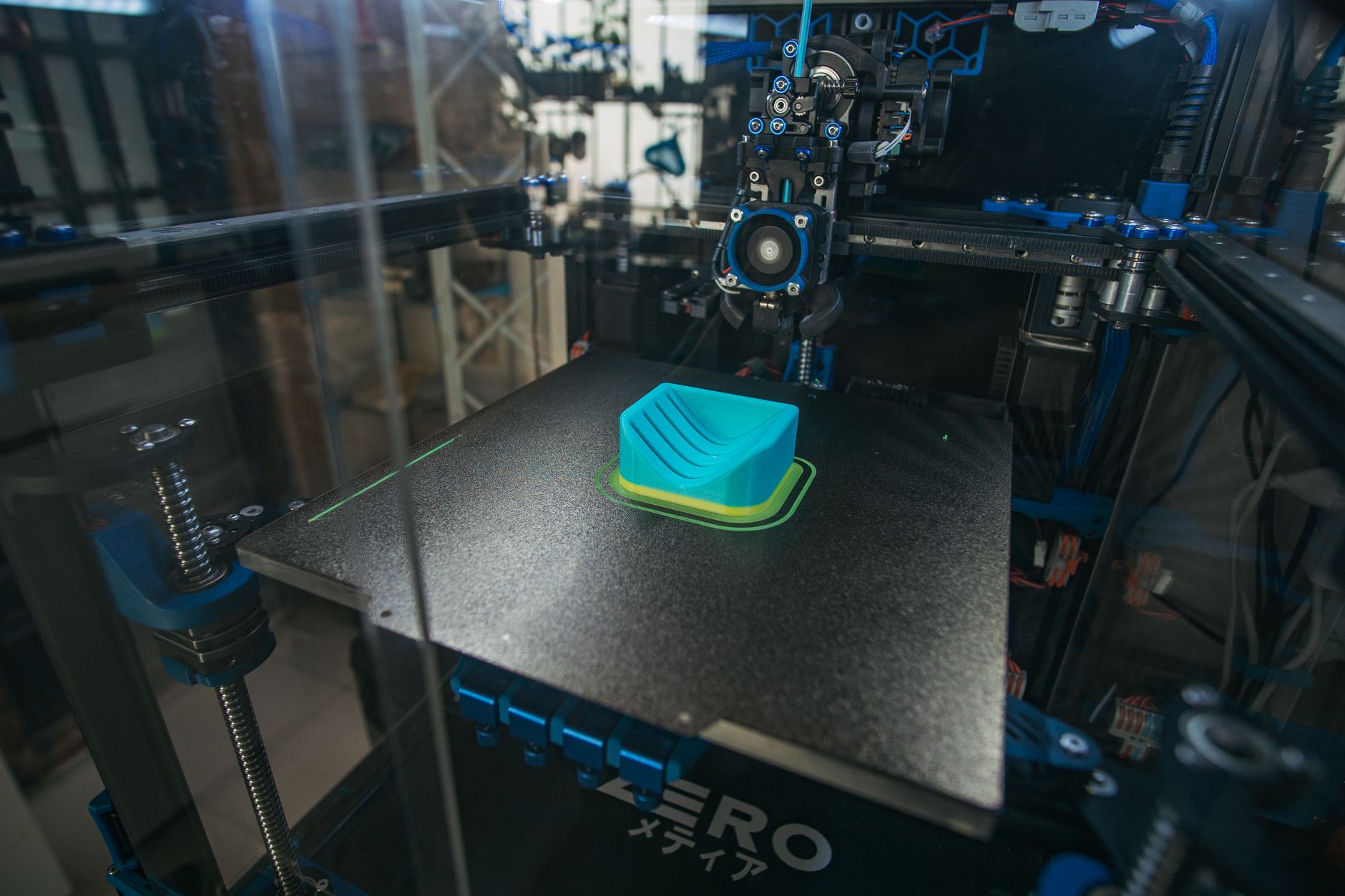
MakerWorld is Bambu Lab’s model library, and it behaves like an extension of Bambu Studio rather than a separate website. Open a model on a phone, tap print, and the profile lands on your A1, P1S, or X1C with settings already chosen. Build volumes line up too, since the A1 and P1S both use a 256 x 256 x 256mm plate. Profiles for the A1 mini are tagged separately for its smaller 180 x 180 x 180mm bed, which stops you downloading a file that will not fit.
The points economy is the second hook. Uploads, prints, and ratings earn points that convert into filament, gift cards, or hardware. Bambu also runs an exclusive model program that pays creators more for posting only on MakerWorld. That attracts real designers, and it also attracts people uploading a stretched cube with a fake photo. Sorting by popularity usually separates the two, but the top of the trending list is not always the best print.
Licensing is mixed. The default Standard Digital File License allows personal printing only, so anyone selling prints needs to check each page. Many creators pick Creative Commons terms instead. The platform tools, including parametric generators and bundled print profiles, stay free. The A1 is the cheapest way into the hardware side, and you can Check price if you want matching profiles out of the box.
Enclosed machines like the P1S and X1C handle the ABS and ASA models on this site far better than an open-frame printer, which matters once you browse into engineering parts. See our guide to the best enclosed 3D printers if that is where your interests sit. For Bambu owners, nothing else matches the download-to-print speed.
Key strengths:
- ✅ One-tap print profiles tuned to each Bambu model, so files arrive in Bambu Studio ready to slice.
- ✅ Reward points turn regular uploading and rating into filament, gift cards, and hardware.
- ✅ Parametric model makers and MakerLab tools create custom files without any CAD skills.
- ✅ Fast growth means popular models appear within days of a trend starting.
- ✅ Free downloads with no account required for basic browsing.
- ❌ Reward chasing floods the platform with low-effort uploads that waste browsing time.
- ❌ The best experience is locked to Bambu hardware, and profiles for other brands are rare.
- ❌ Exclusive-program rules pushed several popular creators to pull their models.
Who it’s for: Bambu Lab owners who want files that print correctly on the first attempt and can tolerate a noisier catalog.
2. Printables , Best for contests, curation, and clean file pages
Printables is Prusa Research’s platform, and it shows the same engineering habits as the printers. Every model page lists a description, filament suggestions, print time estimates, and photos from real users. Profiles are not limited to Prusa machines, so Creality and Bambu owners can grab the same file. The site also runs monthly contests with printer prizes, which pulls in finished, well-photographed designs instead of rough drafts.
Prusameters are the reward currency here. You earn them from uploads and from other people printing your models, then spend them on Prusa filament or store credit. The program is quieter than MakerWorld’s and harder to game, mostly because points are tied to verified prints rather than clicks.
Prusa hardware context helps. The MK4S prints a 250 x 210 x 220mm volume, so most functional parts and medium display models fit without splitting. Prusa publishes detailed printer specs that make it easy to check whether a file suits your machine before you download it. The MK4S kit is the classic entry point, and you can Check price to compare against a preassembled unit.
The trade-off is size. Printables carries fewer models than Thingiverse or MakerWorld, and strict moderation means some oddball uploads never appear. What does appear is usually printable as-is, which saves hours of failed attempts.
Key strengths:
- ✅ Consistent, well-documented model pages with real photos and filament suggestions.
- ✅ Monthly contests with hardware prizes bring in high-effort, finished designs.
- ✅ Prusameter rewards are tied to verified prints, which limits spam uploads.
- ✅ Print profiles cover multiple printer brands, not just Prusa machines.
- ❌ Smaller catalog than Thingiverse or MakerWorld.
- ❌ Strict moderation removes useful experimental files.
- ❌ Contest weeks slow the site and bury older models in search.
Who it’s for: Makers who value a readable page, honest photos, and a file that works without five failed attempts.
3. Thingiverse , Best for sheer archive size and remixes
Thingiverse is the oldest of the group and still holds the biggest pile of free STL files. If a model existed between 2010 and 2020, it probably started here. Remix culture lives on the site too, so a popular bracket often has a dozen variants with different hole sizes and wall thicknesses. That depth is hard to replicate anywhere else.
The downside is age. Search is basic, tags are inconsistent, and many pages have no photo beyond a CAD render. Print profiles often assume older hardware, with 0.2mm layers running at 40 to 60mm/s. That is not wrong, just slow by current standards. Plug those files into a modern slicer with your own settings and they print fine. The 3D printing materials guide is a better temperature reference than most Thingiverse pages.
There are no rewards, no points, and no paid tier. Designers upload for the comments and the credit. That keeps the place honest, and it also means the site has survived several rough corporate periods without a clear roadmap. Download speeds and uptime are fine today, which is not something you could say a few years ago.
Simplify3D’s materials guide lists PLA at 190C to 220C with a 45C to 60C bed, which is exactly the range most old Thingiverse profiles assume. Match your filament to those numbers and decade-old files still behave.
Key strengths:
- ✅ Largest free archive of STL files anywhere, including obscure and discontinued parts.
- ✅ Deep remix culture, so popular designs get improved versions over time.
- ✅ No account needed for most downloads and no reward system to game.
- ✅ The browser Customizer still generates simple parametric parts.
- ❌ Search and tagging are weak, so finding the good version takes patience.
- ❌ Many files target old printers and slow speeds with no bundled profiles.
- ❌ Page quality varies wildly and some listings have no photos at all.
Who it’s for: Anyone hunting a specific old part or a remix that only exists on the original site.
4. Cults3D , Best for paid designer models and miniatures
Cults3D takes a different route. Designers set their own prices and the site takes a cut of each sale. The free section is real but small, and the paid side carries detailed miniatures, cosplay armor, prop replicas, and jewelry that rarely show up free elsewhere. Quality control comes from buyers, since a model that prints badly earns bad reviews fast.
For tabletop work, the catalog is hard to beat. Busts, terrain, and full warbands sit alongside functional prints. Resin machines handle that detail better than FDM, and our pick of the best 3D printer for miniatures explains why layer height matters more than speed in this corner of the hobby. A resin printer like the Elegoo Mars 5 is the usual starting point, and you can Check price before committing.
Spending money changes expectations. Paid files usually include presupported versions, hollowed models, and clear license terms for personal use. Commercial licenses cost more and are sold separately, which is fair but easy to miss at checkout.
The catch is the browsing experience. Ads appear between listings, search is cluttered, and many sellers price in euros. None of that matters much once you find a designer whose sculpts match your taste.
Key strengths:
- ✅ Paid catalog covers miniature and cosplay detail that free sites rarely match.
- ✅ Designers get paid, which keeps skilled sculptors uploading regularly.
- ✅ Most paid files include presupported and hollowed versions for resin printing.
- ✅ Buyers post print photos, so you can judge quality before paying.
- ❌ Free selection is thin compared to MakerWorld, Printables, or Thingiverse.
- ❌ Prices add up quickly for a full army or a large prop set.
- ❌ Commercial licenses cost extra and are easy to overlook.
Who it’s for: Miniature painters, cosplayers, and prop makers who would rather pay once for a clean, supported file.
5. Thangs , Best for search and shape matching
Thangs is a search engine first and a hosting platform second. It indexes models from other sites, including Printables and Thingiverse, and its geometric search can find parts by shape. Upload a photo or a model file and it looks for similar geometry. That is genuinely useful when you need a bracket that matches a broken original and have no idea what the part is called.
Membership tiers change what you get. Free accounts browse and download, while paid plans add more downloads, commercial rights, and early access to sponsored designs. Creators are paid through a revenue pool rather than fixed prices per model.
Because Thangs points at other platforms, a download sometimes sends you to the original page. That is a feature when you want the source files and a nuisance when a listing disappears from the host site. Community features are thinner than Printables or MakerWorld, and comments rarely help you fix a failed print.
Use Thangs as a first stop, not a final one. Search there, then download from the host site so the original designer gets the credit and the traffic. It pairs well with any printer, from a budget machine to a large-format build.
Key strengths:
- ✅ Geometric search finds parts by shape instead of keywords alone.
- ✅ Indexes multiple platforms, so one search covers most of the hobby.
- ✅ Free tier is usable, and paid tiers add downloads plus commercial rights.
- ✅ Clean, fast interface on both desktop and mobile.
- ❌ Hosts far fewer original models than the platforms it indexes.
- ❌ Some downloads redirect to the source site, which can break over time.
- ❌ Community and comment features are minimal.
Who it’s for: Anyone who knows what a part should look like but has no idea what it is called.
6. MyMiniFactory , Best for print-tested files and tabletop content
MyMiniFactory built its name on testing. The team checks models before they go live, so a file marked printable has usually been run on a real machine. That promise covers the free library and the paid store, and it is the main reason people pay here instead of hunting free sites.
Tabletop gaming is the specialty. Terrain, monsters, and full adventure sets fill the store, and the Tribes subscription model delivers monthly drops from individual designers. Free monthly releases keep casual users coming back without a card on file.
Prices sit at the higher end, and the store separates paid and free content clearly. Commercial licensing is available per model with rules written in plain language. Resin printers dominate the recommendations because of the detail in most sculpts.
Post-processing matters here. Supports, washing, and curing take nearly as long as the print itself, and our 3D printing post-processing guide covers the workflow. Skip those steps and expensive resin models end up looking worse than free FDM files.
Key strengths:
- ✅ Models are checked before publishing, so fewer files fail outright.
- ✅ Strong tabletop and TTRPG catalog with monthly subscription drops.
- ✅ Clear commercial licensing options on individual models.
- ✅ Free monthly releases give non-subscribers something new to print.
- ❌ Higher prices than Cults3D for comparable sculpts.
- ❌ Smaller free library than the big three platforms.
- ❌ Curated approval slows new uploads and limits odd experiments.
Who it’s for: Tabletop players and resin printers who want a file that works without test prints.
Frequently Asked Questions
Is MakerWorld free to use?
Yes. Browsing and downloading free models costs nothing, and you only need a Bambu account to collect reward points or upload your own designs. There is no paid tier on the platform itself.
Which model site has the most files?
Thingiverse holds the largest archive of free STL files, much of it uploaded before 2020. MakerWorld and Printables are smaller but far easier to search and browse.
Can I sell prints of free models?
It depends on the license on each page. MakerWorld’s default Standard Digital File License allows personal printing only. Look for Creative Commons or an explicit commercial license before you sell anything.
Do I need a Bambu printer to use MakerWorld?
No. The STL files download and print on any machine. The one-tap profiles, however, are built for Bambu hardware, so other printers need manual slicing.
What layer height should I use for models from these sites?
Use 0.20mm as the safe default for functional parts. Drop to 0.08mm to 0.12mm for miniatures and fine detail, and expect print times to double or triple.
Are paid models on Cults3D and MyMiniFactory worth it?
For miniatures, cosplay, and complex props, usually yes. Paid files tend to include presupported versions, hollowed models, and cleaner geometry that free uploads often lack.
What Should You Remember?
- MakerWorld wins for Bambu owners because print profiles load into Bambu Studio with tested temperatures and speeds already set.
- Printables is the cleanest browsing experience thanks to verified print photos, honest descriptions, and monthly design contests.
- Thingiverse still has the most files, but expect weak search and profiles written for slow, older printers.
- Cults3D and MyMiniFactory suit paid buyers, especially for miniatures, tabletop terrain, and cosplay armor.
- Thangs works as a search layer, not a full community, and its shape matching solves the ‘what is this broken part’ problem.
- Check the license on every page before selling prints, since MakerWorld defaults to personal use only.
- Match settings to your machine, not the site. PLA runs at 190C to 220C with a 45C to 60C bed on most printers.
This article is for general information only. Always follow your printer manufacturer’s guidelines and material safety data sheets (MSDS) for safe operation.